
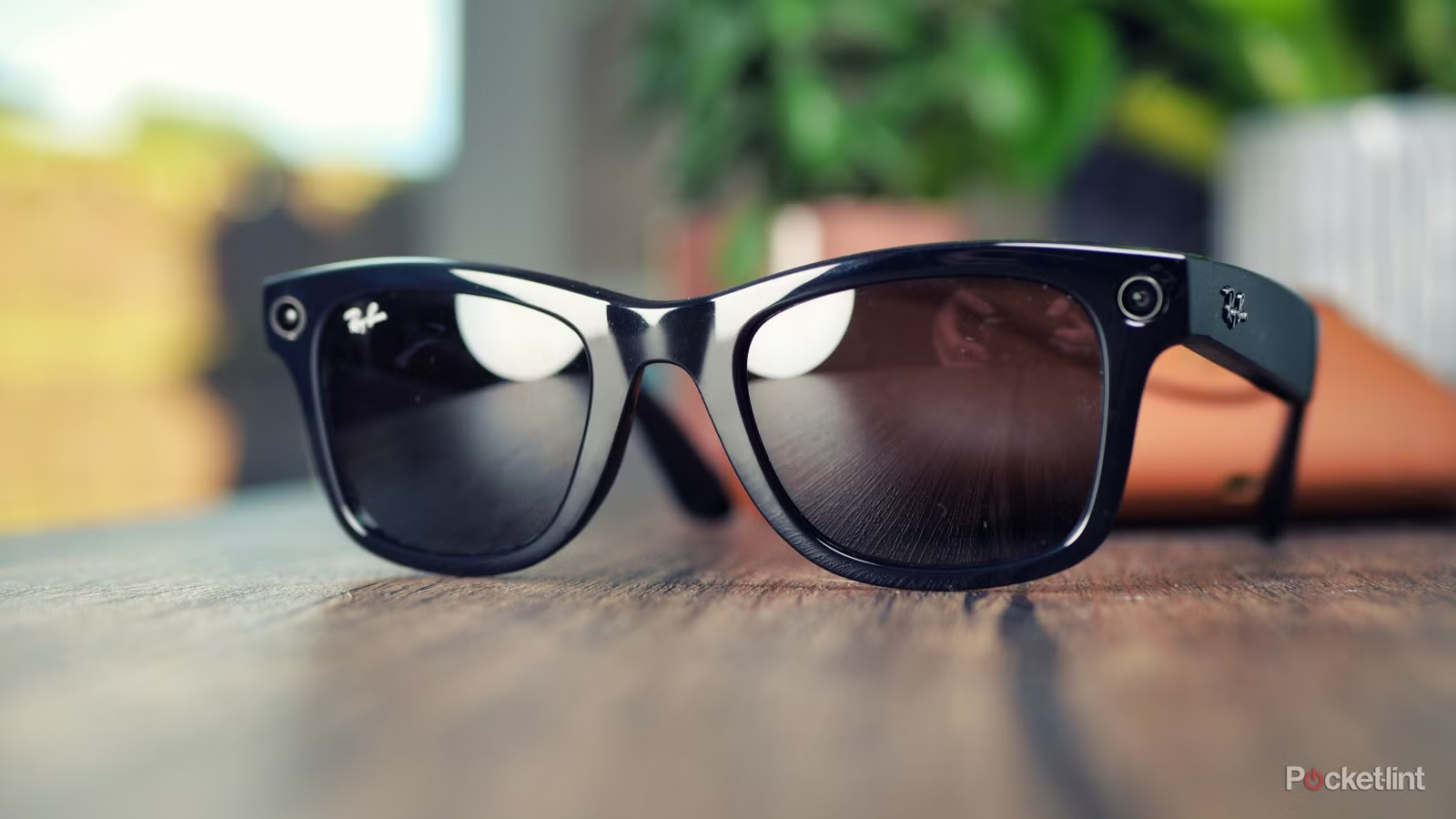
Ray-Ban Meta Smart Glasses in Belfast
Discover iconic Ray-Ban style with built-in smart technology, available with expert optical guidance at Geoff McConville Opticians.
Expert advice
Prescription lens options
Premium optical fitting in Belfast city centre
Iconic style, meet effortless intelligence
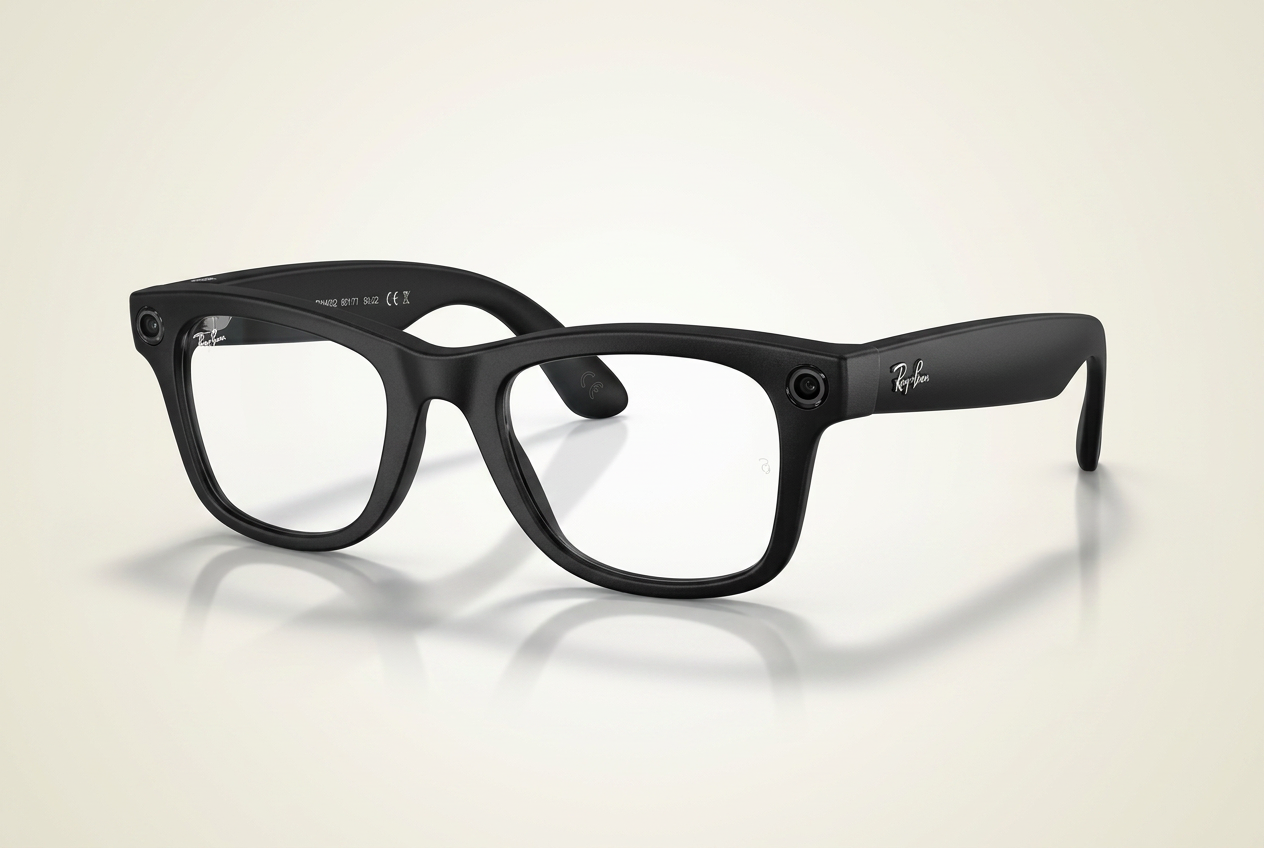
Ray-Ban Meta smart glasses combine classic Ray-Ban design with hands-free technology. You can capture photos and videos, listen to music, take calls, use voice commands and access Meta AI features — all from a pair of glasses designed for everyday wear.
At Geoff McConville Opticians, we help you understand whether Ray-Ban Meta glasses are right for your lifestyle, prescription needs and visual requirements.
Designed for the way you live
Capture Hands-Free
Take photos and videos from your own point of view without reaching for your phone.
Open-Ear Audio
Listen to music, podcasts, calls, and voice responses while staying aware of your surroundings.
Voice Control
Use simple voice commands to capture content, make calls, send messages, or ask questions.
Meta AI Features
Access smart assistance for everyday tasks, questions, reminders, translations and more, depending on app availability and region.
Prescription Lens Options
Ask our team about prescription lens options and whether Ray-Ban Meta glasses are suitable for your prescription.
Expert Optical Advice
Get guidance from a trusted Belfast optician before investing in smart eyewear.

Smart glasses deserve expert optical advice
Buying smart glasses is not the same as buying ordinary tech. Fit, lens choice, prescription suitability, comfort and everyday usability all matter. At Geoff McConville Opticians, our team can guide you through the optical side of Ray-Ban Meta glasses so you make the right choice.
- Advice on prescription suitability
- Guidance on lens options
- Professional frame fitting
- Help understanding smart features
- Support for customers new to wearable technology
How to set up Ray-Ban Meta glasses
Embed the YouTube setup video here.
PASTE_YOUTUBE_VIDEO_URL_HERE
Basic setup steps
- 1Charge your glasses and case fully before setup.
- 2Download the Meta AI app on your smartphone.
- 3Turn on Bluetooth and follow the pairing instructions in the app.
- 4Connect your glasses to WiFi if prompted.
- 5Set your preferences for calls, messages, camera, voice control and privacy.
- 6Test the camera, microphone, speakers and voice commands before everyday use.
Are Ray-Ban Meta glasses right for you?
Great for
- Content creators
- Frequent callers
- People who want hands-free convenience
- Travellers
- Tech enthusiasts
- People who want stylish smart eyewear
Things to consider
- Battery life
- Privacy etiquette when recording
- Prescription compatibility
- App and phone compatibility
- Whether you prefer sunglasses or clear lenses
Ask us about
- Prescription lens suitability
- Frame fit
- Lens options
- Everyday comfort
- How they compare with normal glasses
Smart features, used responsibly
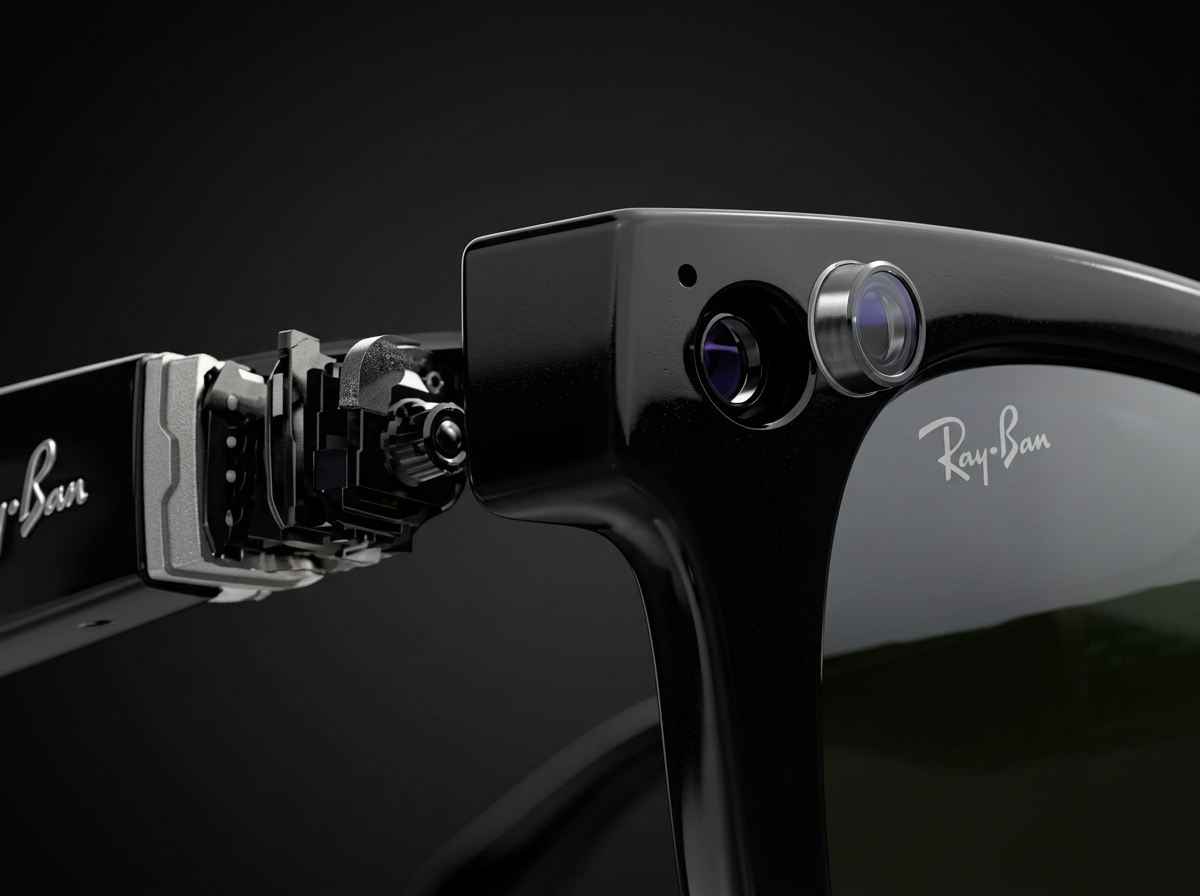
Ray-Ban Meta glasses include camera, microphone, audio and connected app features. Customers should understand how recording indicators, privacy settings, app permissions and data controls work before using them in everyday life.
At Geoff McConville Opticians, we can help explain the practical side of wearing smart glasses responsibly.
Questions, answered
Interested in Ray-Ban Meta glasses?
Speak to our Belfast optical team.
Visit Geoff McConville Opticians & Hearing Care in Belfast for expert advice on smart eyewear, prescription suitability and premium lens options.